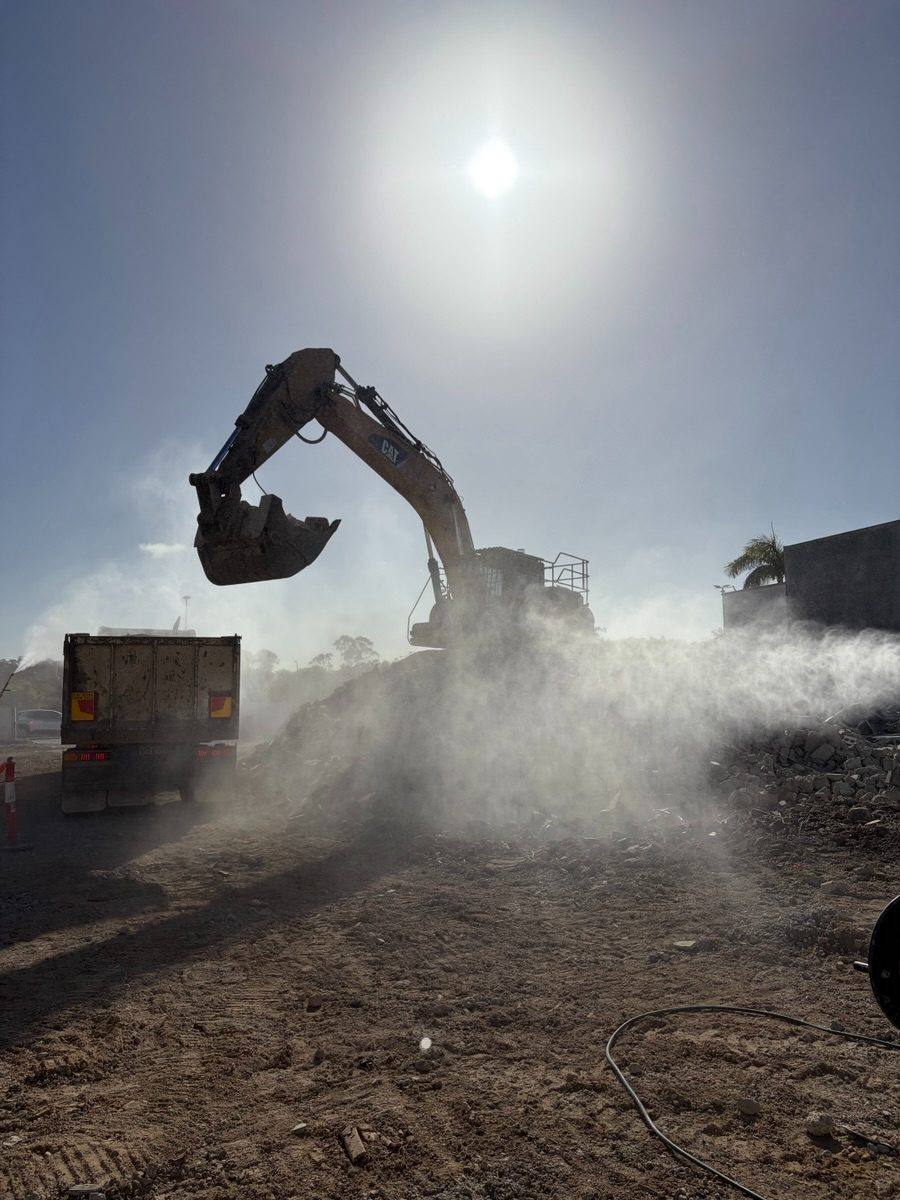

Proposal · capability statement platform
The
CapabilityBuilder
Same PDF.
Every prospect.
No idea who read it.
Moving away from Estimate One means every first contact with a developer or engineering firm is a pitch, not a tender response. One capability statement sent to all of them treats a developer planning a site the same as a council, and once it leaves the outbox there's no way of knowing whether it was opened, read or passed on. The Capability Builder fixes both. A professionally written statement that tailors itself to each prospect in a few minutes, and tells you the moment it's being read.
Tailored in minutes
Pick who it's for and the statement reshapes itself. The intro, the services up front and the projects shown all match that type of client. No Word document, no copy and paste.
Proof that matches
A developer wants to see developer work. The builder pulls the most relevant case studies from your project library, so every statement leads with the jobs that prove you've done this before.
Know when they read it
Every statement goes out as its own link. The moment it's opened, you know about it, and you'll even know when it's been forwarded to someone new. Follow up while you're front of mind, not a fortnight later.
Six steps.
A few minutes.
Your team logs in, answers a few questions and the builder does the rest. Nobody needs design skills and nobody touches a template.
Log in
A secure staff login on your own web address, something like capability.advd.com.au.
Who is it for?
Pick the client type: developer, engineering firm, head contractor, government or asset owner. Each one gets its own intro and puts the right services first.
The prospect
Company name, contact name and, if you know it, the project you're chasing.
Pick the proof
The builder suggests the most relevant case studies from your project library and says why each one fits. Tick, untick, add your own, drag to reorder.
Tweak if needed
Edit the intro, switch sections on or off, change the cover photo. Or leave it. The default is built to go out as is.
Send
You get a unique link, a ready-to-paste email for Outlook and a print-quality PDF for tender portals. It goes from your own inbox, so it lands like a personal note, not a mailout.
What your team sees · step 04, using your live project library
Suggested case studies
Ranked for a developer on a mixed-use redevelopment. Tick the ones to include.
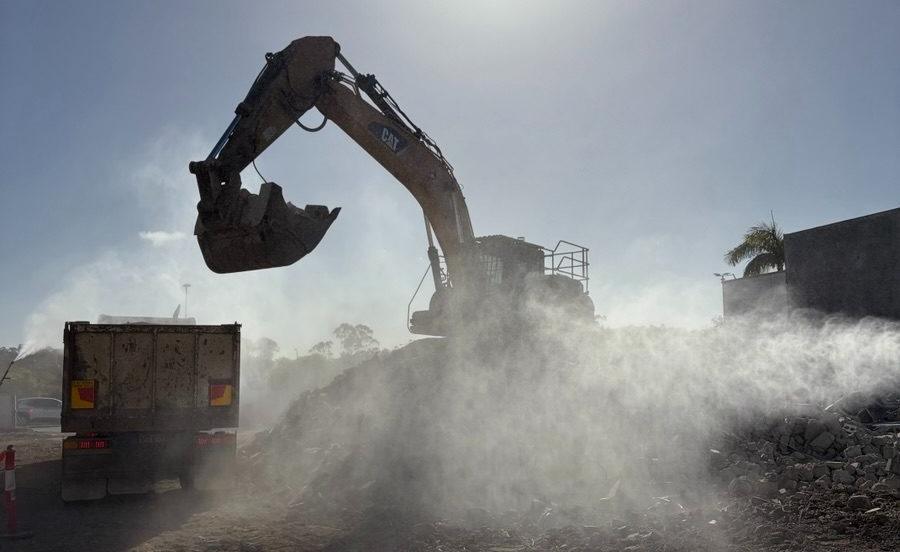
Grand Plaza · Cinema Demolition
WhyRedevelopment next to a live, trading centre. Technical demolition, temporary works and engineering, the same mix this project needs.
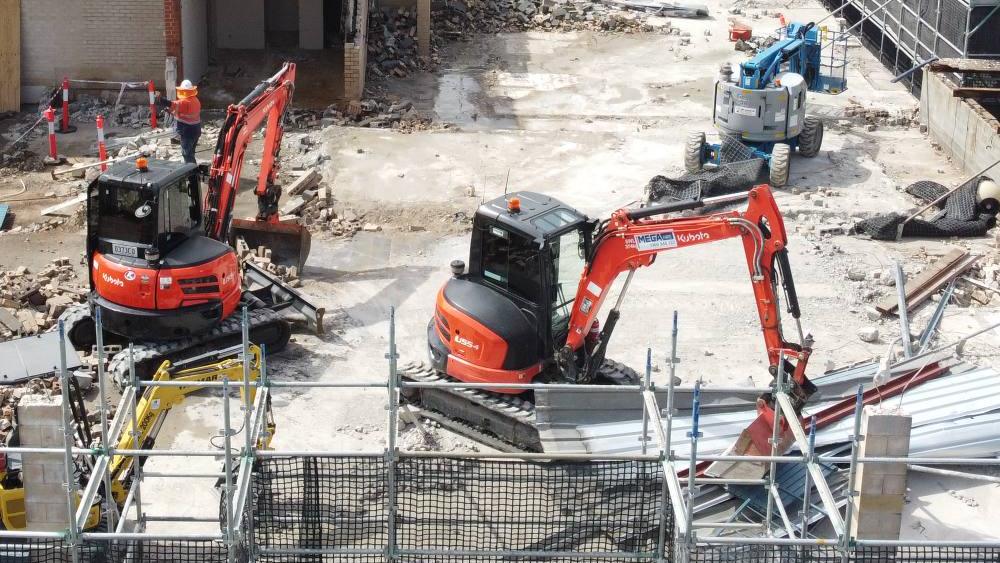
Ramada Hotel
WhyInner Brisbane redevelopment with technical demolition and temporary works. Marked "ask Rik" on upload, so it waits for approval.
Your next upload
Every project your team adds through the upload form becomes available here straight away. The more jobs in the library, the sharper the suggestions.
Built on the project library you already have. NDA jobs never appear, anonymised jobs use the anonymised wording, and anything marked "ask Rik" waits for your OK. Nobody has to remember the rules; the builder follows them.
Their name
on the cover.
The prospect gets a link, not an attachment. It opens as a fast, sharp page on a phone or a laptop, built in the new brand, with their company on the cover and the projects that matter to them up front. A PDF version is one click away for anyone who needs to file it.
CapabilityStatement
Developer edition1300 998 488
Sender's own contact card and response buttons Team

Grand Plaza · Cinema Demolition
Picked for this prospect. Full write-up with photos, scope, challenge and outcome.
Know the moment
they're reading.
Every open sends an alert straight to your inbox, and the dashboard shows every statement that's gone out: opened or not, how many times and when. The best time to call a prospect is while your statement is open on their screen.
Sample data
Example Developments is reading your capability statement
Statements sent
This month · whole team| Prospect | Type | Sent by | Opens | Last opened | Status |
|---|---|---|---|---|---|
| Example Developments | Developer | Rik | 3 | Just now | Forwarded |
| Example Engineering | Engineering firm | Charlie | 1 | Yesterday | Opened |
| Example Constructions | Head contractor | Steve | 5 | 3 days ago | Forwarded |
| Example Council | Government | Rik | 0 | · | Nudge sent |
Know when it's reached
the decision maker.
Capability statements rarely get signed off by the person you sent them to. They get passed up the line, to a development manager, a director or a project board.
The builder notices when your statement is opened on a different device, from a different network or IP address, or in a different location to the first opens, and alerts you straight away. That's usually the moment it's landed on the decision maker's desk, and the best time to pick up the phone.
Your statement has been forwarded
Example Developments' capability statement was just opened on a new device, on a different network. It's likely been passed to a decision maker.
Accurate by design. Many company inboxes run security scanners that open every link the moment an email arrives, before a person ever sees it. Those automatic opens, and your own team's views, are filtered out. When you get an alert, it's a real person reading.
Written and
designed by us.
The platform is only as good as what it sends. We write your capability statement from the ground up and design it in the new brand, so every version your team creates, for any prospect, reads and looks like it came from a Tier 1 contractor.
- CoverPrepared for the prospect, with their company name and the client-type edition.
- IntroductionWritten for that type of client and what they care about most.
- Who we areThe business, the team and how you work.
- ServicesYour confirmed service list, with the most relevant ones leading.
- SectorsWhere you've delivered, shown at a glance.
- CredentialsLicences, certifications and insurances, set out the way pre-qual officers look for them.
- Safety & environmentHow you manage risk, and what happens to the material you take away.
- Plant & fleetWhat you can put on site.
- Case studiesThe projects picked for this prospect, each with photos, scope, challenge and outcome.
- ContactStraight to the person who sent it.
One statement,
five angles
- Developers
- Engineering & consulting firms
- Head contractors
- Government & councils
- Asset owners · industrial, energy, water, defence
A web version that's quick on any phone and tracks every open, and a print-quality A4 PDF for tender and pre-qual portals.
Same content rules as the website. Every claim and every figure is confirmed with you before it goes live.
Two ways
to build it.
Both options include the written and designed capability statement, the builder and open tracking. The difference is whether your team shares one login or everyone has their own, with the tracking and reporting to match.
For one person sending statements, or a small team happy to share a login.
- Capability statement written and designed by us
- Five client-type editions, each with its own intro and service order
- The guided builder with smart case study suggestions
- Manual edits for any prospect when you need them
- A unique tracked link for every prospect, plus the PDF
- An email alert every time it's opened, to one nominated inbox
- Dashboard of every statement sent: opens, last opened, duplicate, switch off a link
- NDA and naming rules from the project library applied automatically
- Project photos moved into permanent storage
- One shared team login
- Hosted on your own web address
- Handover session with your team
Not in Essentials: forward alerts, individual staff logins, reading detail and team reporting. These come with Team.
For a business development team where everyone sends their own, and management wants to see what's landing.
An instant alert when your statement is opened on a different device, network or IP address, or in a new location. That's the sign it's been forwarded to a decision maker, so you know exactly who's reading and when to follow up.
Everything in Essentials, plus
- A login for every staff member. Add or remove people any time, no user limit
- Your own contact card on every statement you send: photo, name, mobile and email
- Alerts go to whoever sent it, with admins copied if they want
- Staff see their own statements, admins see the whole team
- Reading detail: time spent, case studies viewed, PDF downloads, call and email clicks
- Hot prospect flag after three or more opens, or as soon as it's forwarded
- "Request a quote" and "Book a site meeting" buttons that go straight to the sender
- Follow-up nudges: not opened after five days, or "they're reading it now"
- Team reporting: sent, open rate, reading time, top case studies, which client types respond best, monthly trend, CSV export
- Weekly summary email to management
- Link controls: expiry date, optional passcode, switch off
- Reusable content blocks your team can drop into any statement
The recommendation is Team. Forward alerts alone tell you when a pitch has made it past the first contact to the person who signs off, and as soon as more than one person is sending statements, per-person tracking is what turns this from a nicer PDF into a business development system. Everyone sees their own pipeline, and management sees which pitches are actually landing.
Pay for
what you use.
There's no fixed monthly fee. The platform runs on pay-as-you-go hosting, storage, alert emails and AI processing, billed only as it's used. A quiet month costs next to nothing, and even a busy one should come in at $15 to $20.
actual usage
Live in three
to five weeks.
The build starts once the brand kit from the website project and your content are locked, so the statement and the new site speak with one voice.
We write the statement from your current capability statement, the content rules we're setting up for the website and a short call with you. You check every claim.
The statement designed in the new brand, as both the web version and the A4 print version, plus the five client-type editions.
The builder, the case study suggestions, tracking, alerts and your dashboard. Team adds the staff logins, reading detail and reporting. Project photos move into permanent storage as part of this.
We run test statements end to end, then walk your team through it. Essentials is live in about three weeks, Team in four to five.
What we need from you
- Your current capability statement. The draft from July is a great starting point.
- ISO certificates and licence details, as they should appear to a pre-qual officer.
- Confirmation of any figures we quote, like years operating, fleet and team size.
- Sign-off on the five client types in section 05.
- Projects in the upload form. The more jobs in there, the better the suggestions.
- For Team: each user's name, title, mobile, email and a headshot.
Three decisions.
Then I build.
01 · Essentials or Team?
Team is the recommendation. It's the option with forward alerts, so you know when a statement has reached the decision maker, and it gives everyone who sends statements their own login and tracking. Essentials can be upgraded to Team later, but it costs less to build it once.
02 · Are these the right client types?
Developers, engineering and consulting firms, head contractors, government and councils, and asset owners. Add, cut or rename any of them. This sets the five editions.
03 · Who's on the team?
For Team: the names and roles of everyone who'll be sending statements, and who should have admin access to see the whole team's activity.
Capability Builder proposal · 18 September 2026
Prepared by Richard Marshall